Phishing in 2026: what modern phishing kits actually look like
Phishing has evolved past bad grammar and Nigerian princes. Here's what a well-executed 2026 phishing campaign looks like — and what still gives them away.
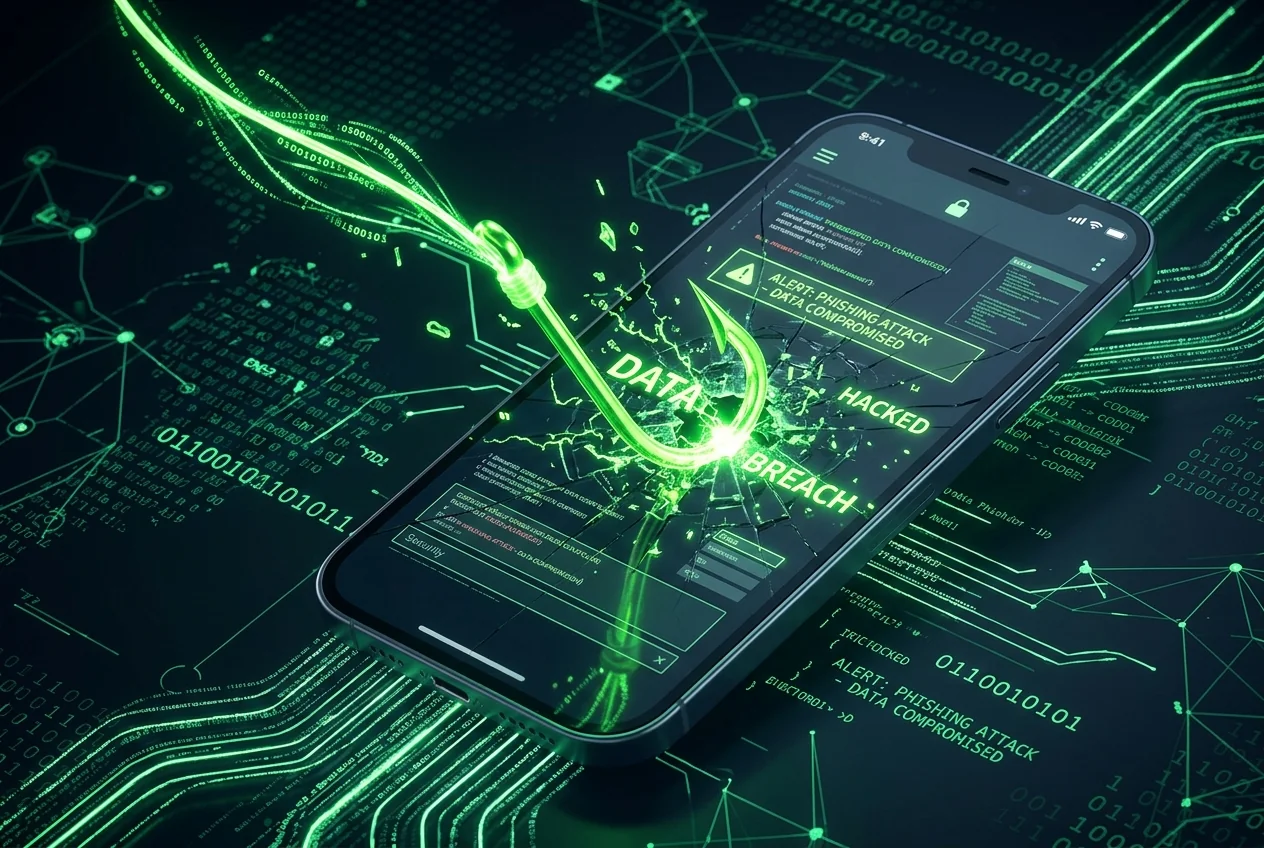
The mental image of a phishing email is stuck in 2005: broken English, generic 'Dear Customer', a Nigerian prince, a link to a shoddy login page. Modern phishing is nothing like that. The best 2026 kits are cloud-hosted, use real SSL, forward legitimate two-factor codes in real time, and are visually indistinguishable from the real service.
Adversary-in-the-middle (AiTM) kits
The dominant technique. Instead of building a fake login page, the attacker proxies the real one. You type your username on 'micros0ft-login.com', the kit forwards it to microsoft.com, Microsoft returns the password prompt, the kit forwards it to you. You type your password, the kit forwards it. Microsoft prompts for your TOTP or push, the kit forwards that too. You get in — and so does the attacker, with your session cookie in hand.
TOTP codes and push MFA don't stop this. Only phishing-resistant MFA — WebAuthn, passkeys, hardware security keys — does, because the browser refuses to release credentials to the wrong domain.
Consent phishing
The user's password is never captured. Instead, the attacker registers an OAuth app named 'Microsoft Security' and sends a legitimate Microsoft consent screen. The user clicks 'Allow' and grants the attacker mailbox access, forever, without a password. Nothing to reset.
Quishing (QR-code phishing)
Enterprise mail gateways scan links. They don't scan QR codes. A PDF with a QR code that scans to a phishing URL bypasses most filters. The user's phone scans it and opens the page in a mobile browser that shows less URL than a desktop browser does.
What still gives them away
- The domain. A well-executed kit still needs a lookalike domain — check it in Scam Lookup.
- New certificates. AiTM kits register a fresh SSL cert per campaign. Certificate Transparency logs show them lit up all at once.
- Odd sender. Even if the display name says 'Microsoft', the sending domain usually doesn't.
- Unusual context. A 'password expired' email to an account you don't use often is out of context. Real password expirations happen when you log in.
What actually protects you
- Passkeys or hardware security keys on every important account.
- Password manager everywhere — it will refuse to autofill on the wrong domain.
- Never approve an MFA push you didn't initiate. Report it.
- Check unfamiliar login pages in Scam Lookup before typing anything.