How to spot a fake website in 60 seconds
A checklist for verifying a website before you enter your card details, credentials or personal information — in under a minute.
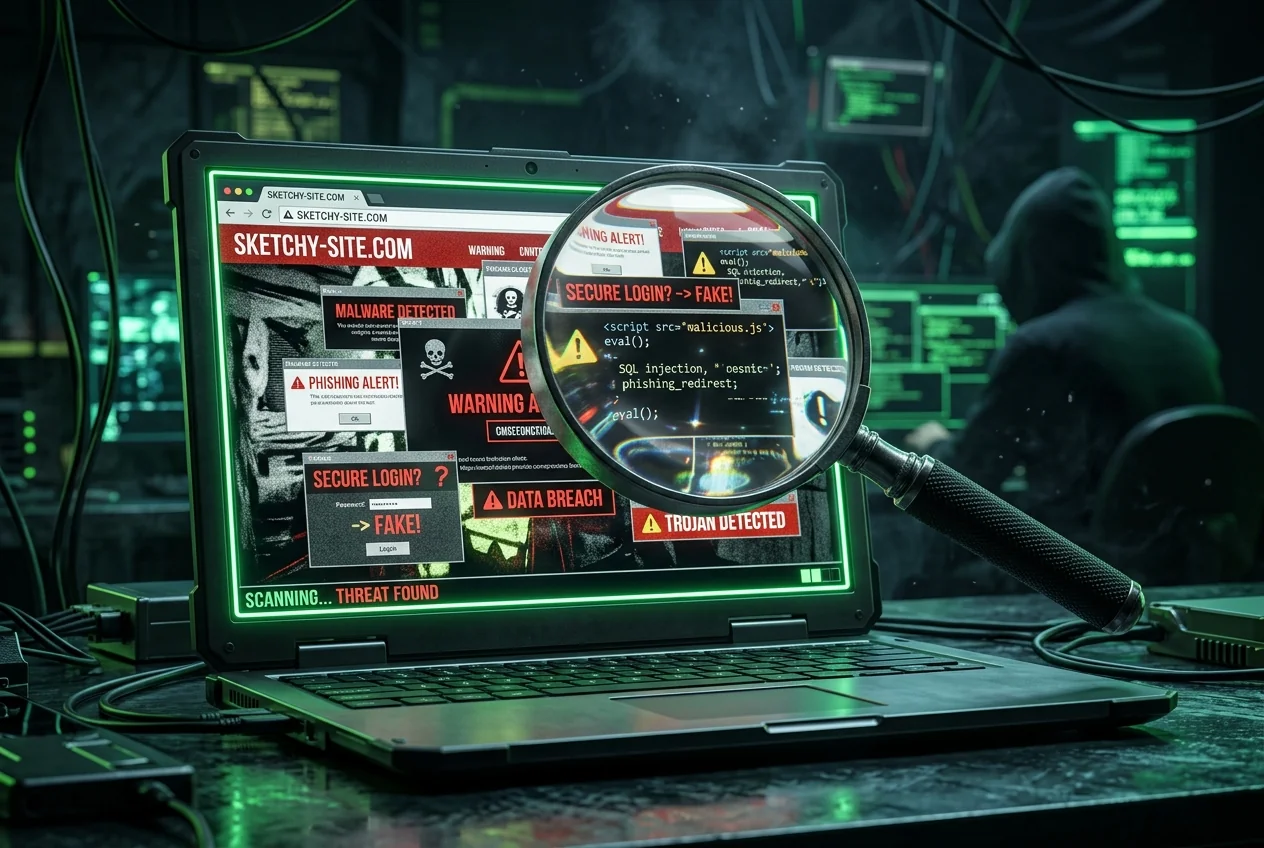
Most scam websites don't survive the first 60 seconds of scrutiny. The people running them optimise for one thing — getting a checkout form or a login page in front of you before you think about it. If you slow down for a minute and check the same six things every time, you catch the vast majority.
1. Look at the domain, not the page
Scam sites almost always live on a domain that's either brand new, deliberately misspelled, or piggybacking on a well-known brand with extra words. 'paypal-secure-login.com' is not PayPal. 'amaz0n-refunds.net' is not Amazon. A three-day-old domain claiming to be a decade-old retailer is not the retailer.
2. Check HTTPS — but don't stop there
The padlock only tells you the connection is encrypted. It doesn't tell you the operator is legitimate. Free 90-day SSL certificates are trivial to get, and every serious scam site now has one. HTTPS is table stakes; treat its absence as disqualifying, but don't treat its presence as reassuring.
3. Look for real transparency signals
Legitimate operators publish four things: a privacy policy, terms of service, a real physical address, and a way to contact them that isn't a web form. A shop with no returns policy, no company registration number, and only a Gmail address is a shop that plans to be gone next month.
- Privacy policy — a real one, not a wall of copy-pasted legalese with a placeholder company name.
- Contact page — an email on the company's own domain (not @gmail.com), and ideally a phone number.
- Company registration and VAT/tax ID in the footer, cross-checkable in a public registry.
- Social profiles that are older than a few weeks and have real engagement.
4. Check the shipping and returns claims
'Free worldwide shipping on all orders' + '90% off luxury brands' + 'sale ends in 4:59 minutes' is not a promotion — it's a template. Look up the same product on the manufacturer's official site. If the price is a third of retail and the URL looks off, you're the product.
5. Reverse-image search the product photos
Drag a product image into Google Images or Bing Visual Search. Scam retailers almost always steal photos from legitimate stores. If the same photo appears on twenty other suspicious-looking shops with slightly different URLs, you've found a template kit.
6. Read reviews outside the site itself
Reviews on the shop's own page are worthless — anyone can write them. Search '<domain> review' on Reddit, Trustpilot, and the Better Business Bureau. A completely absent trail (no mentions anywhere) is almost as bad as a trail full of complaints.
The 60-second version
- Paste the domain into Scam Lookup — check overall trust score and domain age.
- Scan the URL for typos, extra words, or wrong TLD.
- Open the privacy policy and contact page.
- Search '<domain> review' on Google and Reddit.
- If anything feels off — leave. There will be another shop.