How scammers buy lookalike domains — and how to spot them
Homograph attacks, typosquatting, hyphenation, and TLD swapping. The four ways attackers register domains that look like brands you trust.
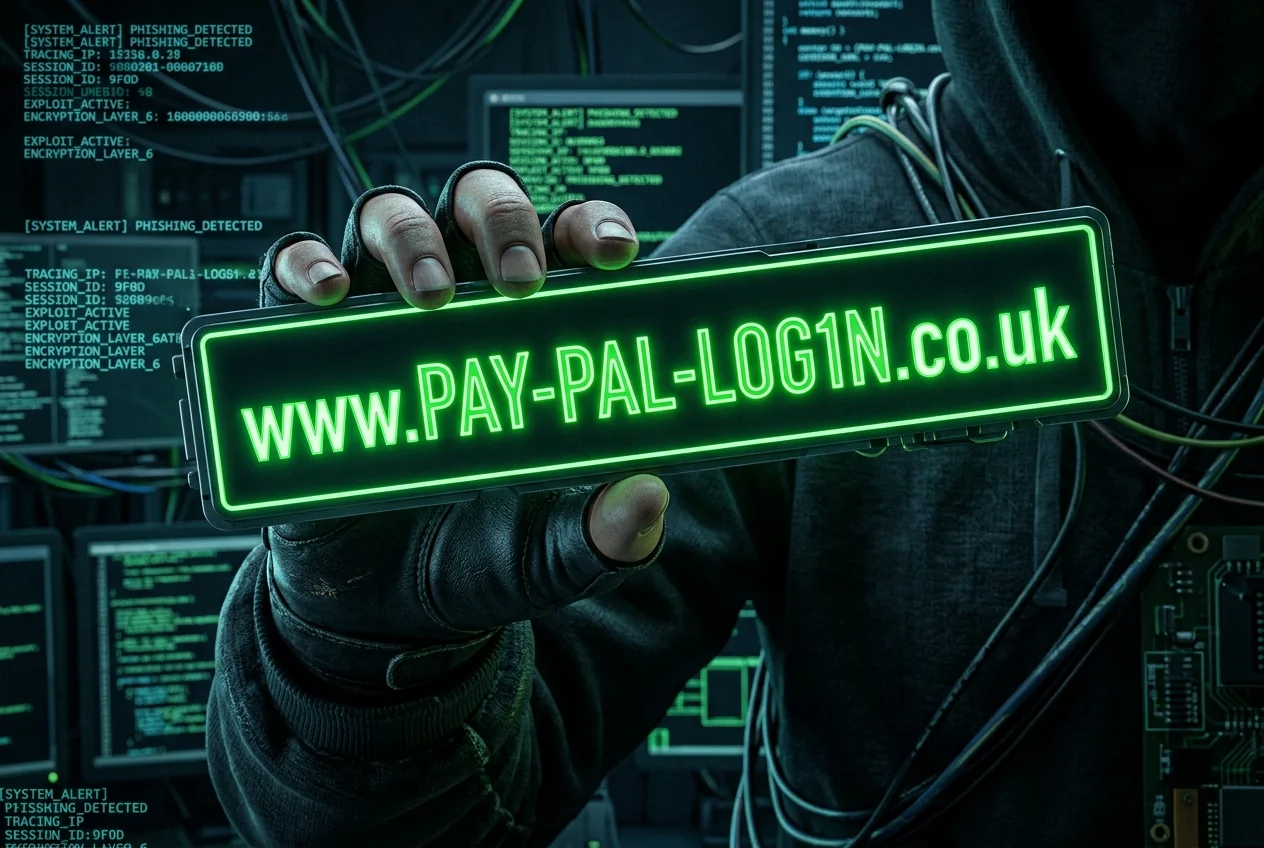
Registering a domain costs less than a coffee. Attackers register thousands, weight-testing which ones convert. The four techniques below account for almost every 'this looks like Amazon but isn't' domain you'll ever see.
1. Typosquatting
The oldest technique. Register the misspelling. 'gooogle.com', 'amaz0n.com', 'facbook.com'. Rely on typing errors and muscle memory. Attackers register hundreds of variants of every big brand and park them, then swap in a phishing page during a campaign.
2. TLD swapping
Same name, different top-level domain. 'apple.support' is not apple.com. 'paypal.co' is not paypal.com. New TLDs (.support, .info, .top, .shop) are especially popular because they're cheap and users don't know what to expect from them.
3. Hyphenation and extra words
'apple-support.com', 'paypal-secure.net', 'amazon-refunds.help'. Real brands almost never use hyphenated marketing domains. When they do, they redirect to the main site immediately. A hyphenated login page is a warning sign every time.
4. Homograph attacks (IDN)
The nasty one. Internationalized domain names allow Unicode characters. The Cyrillic 'а' looks identical to the Latin 'a' but is a different codepoint. 'аpple.com' (with a Cyrillic 'a') is a completely different domain from 'apple.com' — and browsers may or may not warn you.
Practical defenses
- Never trust a link in an email. Type the domain yourself, or use a bookmark.
- Enable 'Always show full URLs' in your browser settings.
- Check the domain in Scam Lookup before entering credentials on any site you don't visit weekly.
- Use a password manager — it won't autofill on the wrong domain, which catches most lookalikes for you.